Tagline
Turn text, code or a sketch into a hand-drawn video.
Logos, colours, product facts and descriptions you can paste straight into a listing or an article. Free to use whenever you are writing about Todrawn.
Three lengths, because every directory asks for a different one. Use them as they are; no attribution needed.
Tagline
Turn text, code or a sketch into a hand-drawn video.
Short, about 40 words
Todrawn is a browser-based whiteboard whose flagship feature, Todrawn Scribe, turns code, text or a freehand sketch into a hand-drawn video. Composing, playback and encoding all happen locally, so nothing is uploaded and there is nothing to install.
Medium, about 95 words
Todrawn is a browser-based visual creation tool built around Todrawn Scribe, a hand-drawn video maker. Paste a code snippet, type text, or draw a sketch, and a virtual pen redraws it stroke by stroke into a video you can export for shorts, tutorials, slides or documentation. Composing, playback and encoding all run in the browser, so your material is never uploaded and there is nothing to install. Alongside Scribe, Todrawn provides collaborative whiteboards with real-time editing. It does not use generative AI: every stroke comes from what the author actually wrote or drew.
Long, about 240 words
Todrawn is a browser-based visual creation tool for people who need to explain an idea rather than decorate one. Its flagship feature, Todrawn Scribe, turns a code snippet, a block of text or a freehand sketch into a hand-drawn video: a virtual pen redraws the material stroke by stroke, at a pace the author controls, and exports it as a finished video for shorts and reels, tutorials, slides or documentation.
Everything happens in the browser. Composing, playback and video encoding run locally, so the author's code, text and drawings are never uploaded, and there is nothing to install. Exports are available at 720p or 1080p, 24 or 30 frames per second, in vertical 9:16 or wide 16:9.
Todrawn deliberately does not use generative AI. Every stroke on screen comes from what the author actually wrote or drew, which is what makes the output usable as teaching material rather than as decoration.
Alongside Scribe, Todrawn provides collaborative whiteboards with real-time editing, shapes that true up as you draw, and images placed directly on the board. It is used by educators building short lessons, developers recording code walkthroughs, and small teams turning rough sketches into presentation-ready motion. The interface is available in English, Polish, German, French and Spanish.
SVG for anything printed or scaled, PNG where a raster file is required. Download and use these rather than screenshotting the site.

Wordmark, two colour
The default. Use on light backgrounds.
Download
Wordmark, single colour
Inherits the surrounding text colour. Use on dark or coloured backgrounds, and in print.
Download
App mark
The square badge, exactly as it appears in a browser tab.
Download
App mark, no plate
The glyph without its background. Use on light or ink backgrounds only.
Download
App mark, PNG 512px
For directories that will not accept SVG.
Download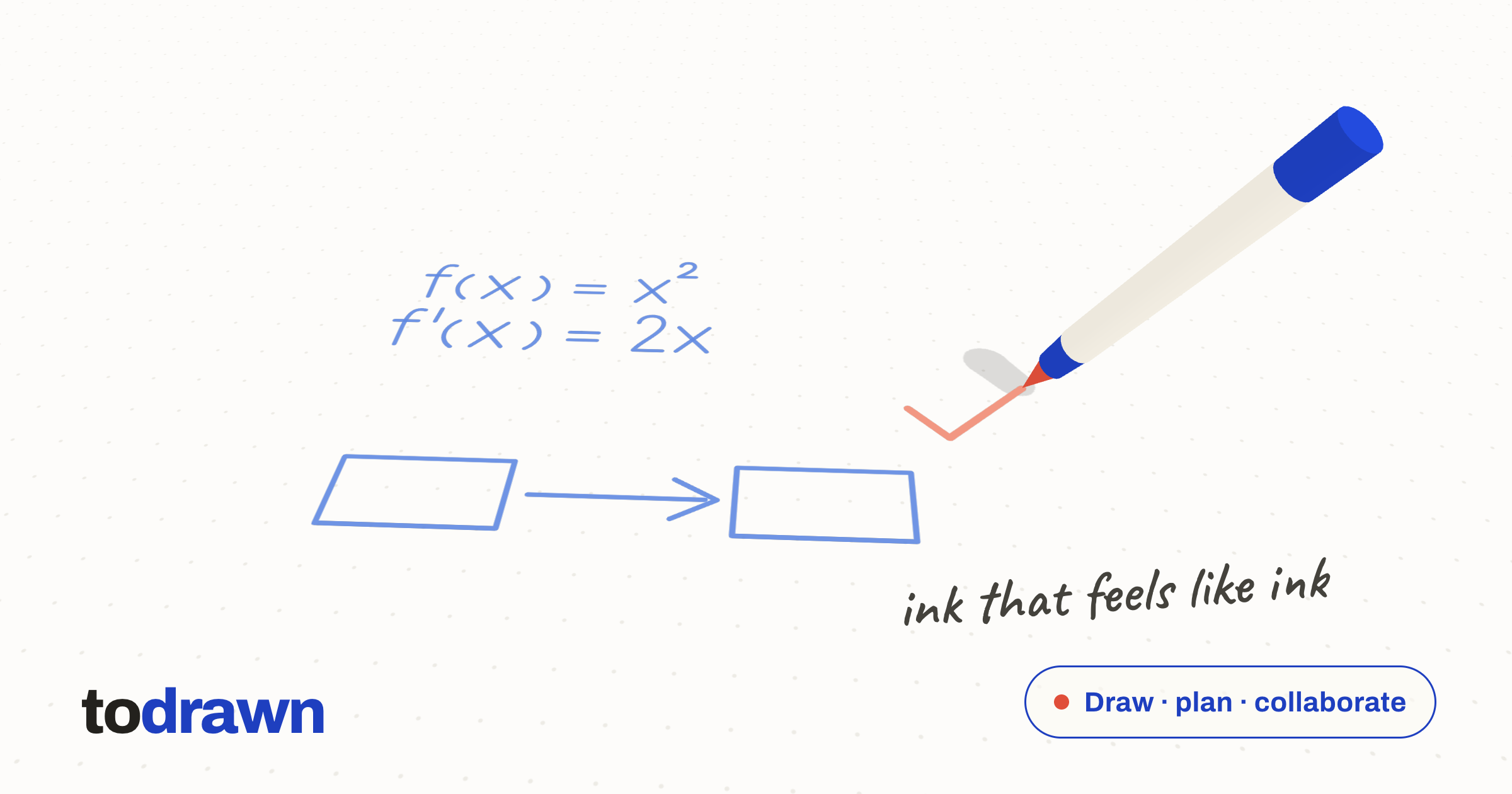
Share card
The 2400 by 1260 image used for link previews.
DownloadInk is the primary. Accent is for correction marks and emphasis, never for large areas of text. Paper is the background the product is designed on.
The app mark currently ships in a slightly earlier palette. When the two disagree, the values above are the brand reference.
Both are open source and available from Google Fonts.
Archivo
Interface, headings and the wordmark. The wordmark is set in weight 800, lowercase.
Caveat
Handwritten accents only, never body text.
Correct as of the date on this page. If you need a fact that is not here, ask and we will confirm it rather than let you guess.
Getting this right matters to us, and it is quick.
For an interview, a fact check, a screenshot at a size that is not here, or anything else you need to publish.
Contact usFacts on this page last reviewed
Todrawn uses essential cookies to keep you signed in, plus Google Analytics (only with your consent) to see how the app is used. Read more in our Privacy Policy.